Mailchimp for WordPress Premium
Our free plugin helps you subscribe visitors to your Mailchimp audience using forms and popular WordPress integrations.
Mailchimp for WordPress Premium is built to drive measurable growth: more subscribers, more recovered revenue from WooCommerce, and less manual work keeping data in sync.
Below is a quick overview of the premium features people rely on most.
Used by millions of WordPress sites. Backed by our thirty day no-questions-asked refund policy.
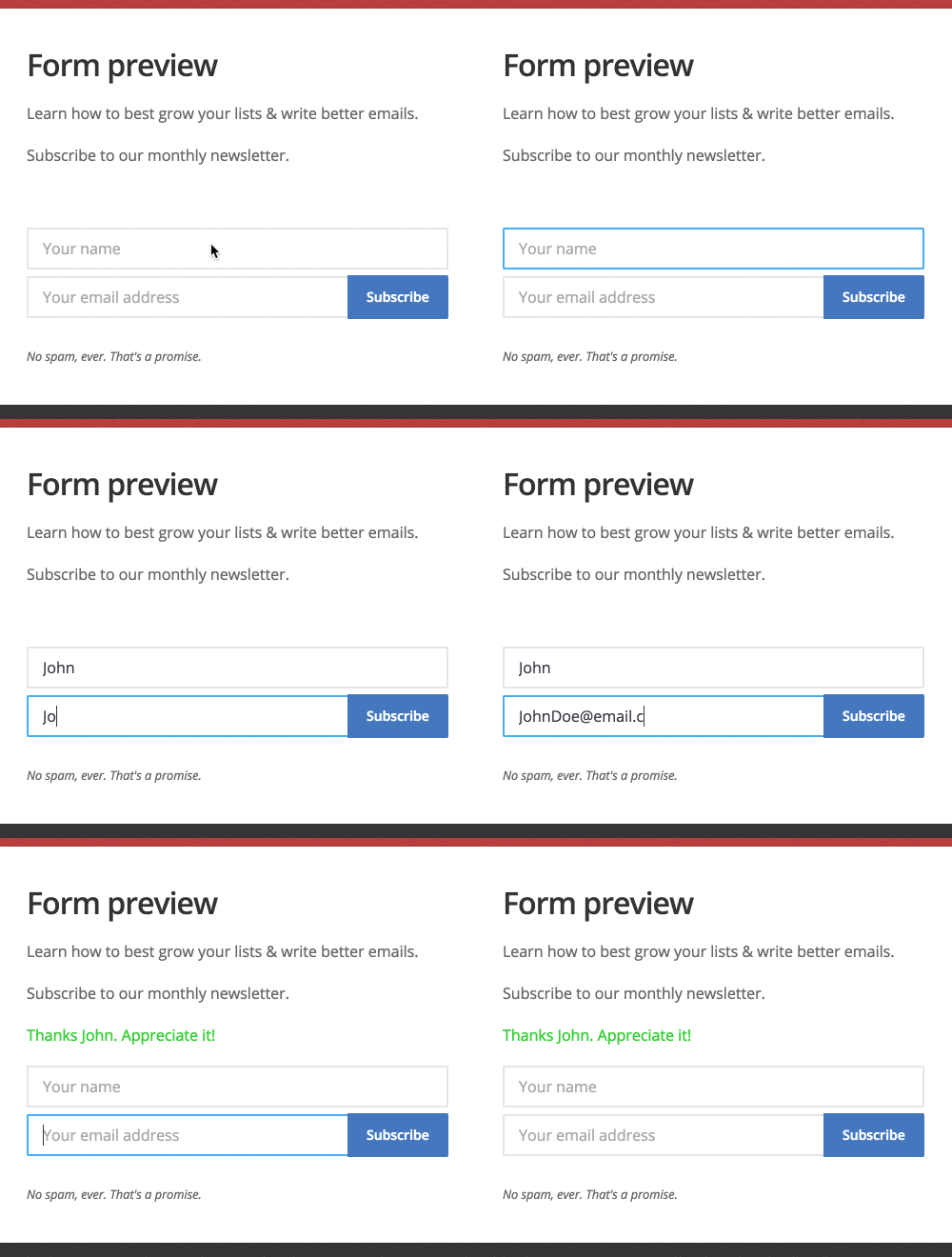
High-converting sign-up forms
Create unlimited forms for different pages, audiences and offers, instead of being limited to a single form.
Built-in AJAX submissions reduce friction by letting visitors sign up without a full page reload.
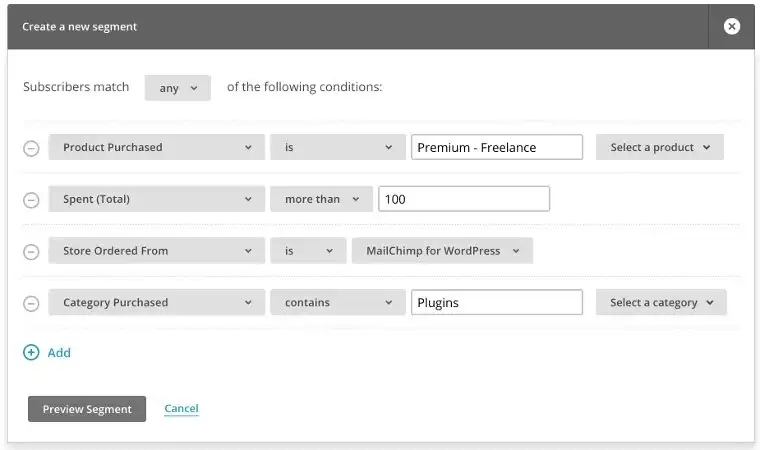
E-commerce
Our e-commerce integration shows exactly what subscribers buy in WooCommerce and how much revenue your Mailchimp campaigns generate.
Create purchase-based audience segments, recover abandoned carts, and recommend relevant products automatically.
You can also sync WooCommerce coupons as Mailchimp promo codes for use in automations like abandoned cart emails.
This is often the feature that pays for the plugin by itself.
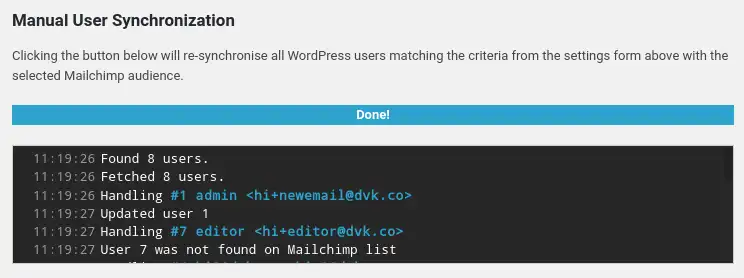
User Sync
The user sync feature automatically updates subscriber data in Mailchimp when WordPress profiles change, and vice versa.
Your customer data stays consistent across both systems without manual exports, imports or cleanup work.
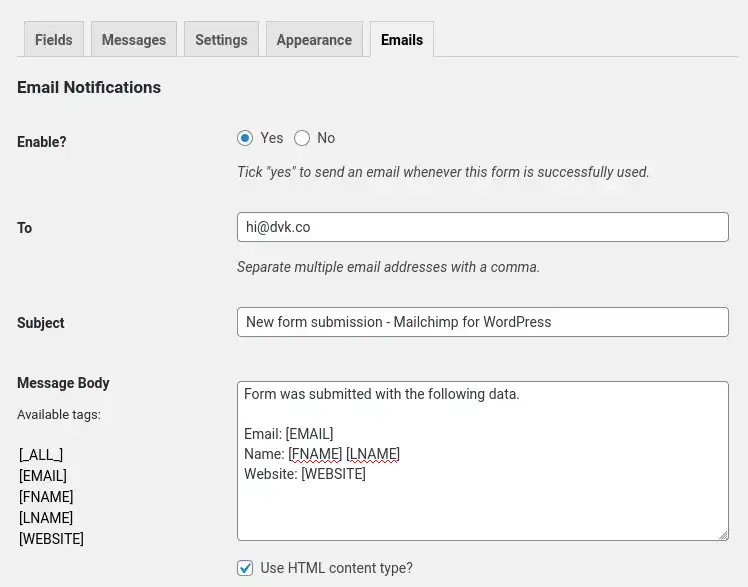
Email Notifications
Need an instant notification for each form submission? Premium can send it immediately to you or your team.
Emails are fully customizable and sent directly from your website, without relying on Mailchimp automations.
Styles Builder
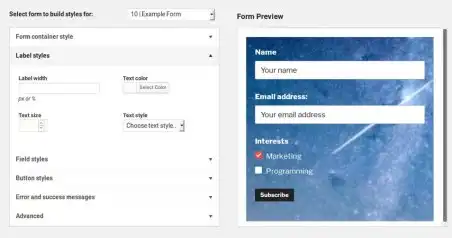
The Styles Builder lets you match your forms to your brand using a visual interface, without touching CSS.
Logging
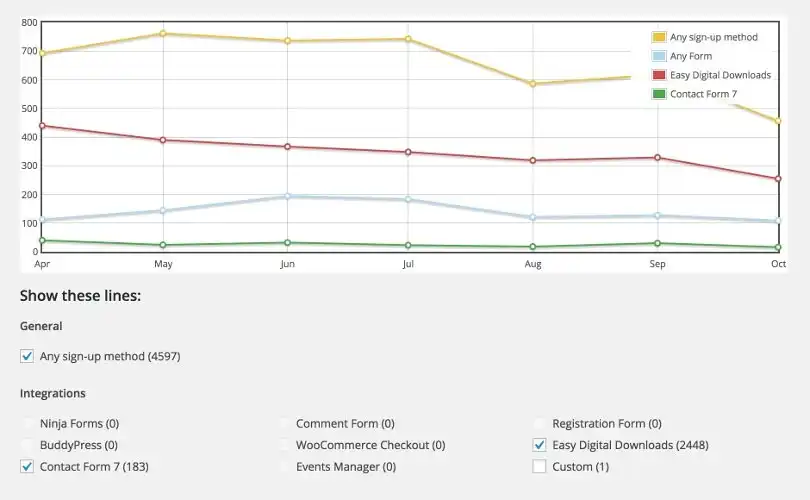
With Logging, every sign-up attempt is stored in your local database.
Understand which opt-in methods perform best, run custom follow-up logic, and export data to CSV or JSON whenever needed.
Audience Activity
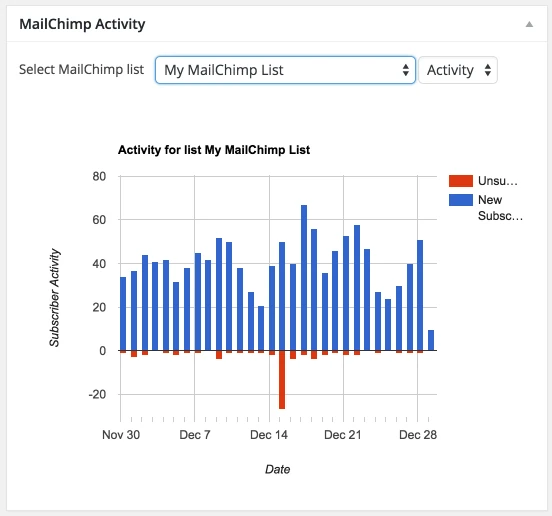
A dashboard widget gives you quick insight into audience growth over time.
Track subscribe and unsubscribe activity for any Mailchimp audience over periods like the last 90 days.
Automatically append a form to all posts in a given category
Automatically place a selected sign-up form below posts in specific categories to capture more subscribers from your content.

Ready to grow your Mailchimp audience?
Upgrade to Premium to create better forms, recover more WooCommerce revenue, and keep subscriber data in sync automatically.
Choose a plan, install the add-on, and start using every Mailchimp for WordPress Premium feature today.
Try it risk-free with our 30-day refund policy.
Adding multiple sign-up methods to my site only took me minutes. This plugin is well worth the money! I love the extra features it offers.